
Lindy popularized conversational AI assistants for Slack and email, but growing teams often outgrow credit caps, scoped memory, or manual approval friction. Businesses scaling autonomous operations need persistent role execution, native desktop GUI automation, or code-native multi-agent frameworks. This guide evaluates the leading Lindy alternatives in 2026 based on memory, governance, integration depth, and pricing clarity.
TL;DR: Best Lindy Alternatives in 2026
Selecting a Lindy alternative depends on your operational model, technical resources, and automation requirements. Here are the top platforms categorized by primary use case:
- Best for Autonomous AI Employees: Spinnable replaces chat-only assistants with persistent AI workers that manage operational roles, execute desktop GUI and browser tasks, and enforce human approval gates.
- Best for B2B Multi-Agent Workforces: Relevance AI enables technical teams to build visual multi-agent teams with custom tool assignments and vector knowledge bases.
- Best for Broad SaaS Connectivity: Zapier Central connects conversational AI bots to more than 7,000 SaaS applications across the Zapier ecosystem.
- Best for Microsoft Enterprise Integration: Microsoft Copilot Studio builds security-compliant copilots operating directly inside Microsoft 365 tenant environments.
- Best for Visual SaaS Integration Scenarios: Make provides a visual drag-and-drop canvas for complex data routing, JSON mapping, and multi-branch workflows.
- Best for Developer Code Orchestration: CrewAI provides an open-source Python framework and Enterprise Crew Studio for orchestrating role-playing multi-agent systems.
At-a-Glance Platform Comparison
| Platform | Primary Paradigm | Best For | Computer Use / GUI | Governance & Oversight | Starting Pricing (2026) |
|---|---|---|---|---|---|
| Lindy | Conversational AI Teammate | Executive triage and chat-triggered tasks | API connectors and browser actions | Slack approval checkpoints | $29.99/mo per user (Plus) |
| Spinnable | Autonomous AI Employee | Persistent workforce automation across ops, sales, and support | Native desktop GUI and browser control | Built-in approval queues and channel gates | $50/mo with 15-day trial |
| Relevance AI | B2B Agent Workforce | Modular multi-agent team building and task delegation | API and web automation | Workflow approval nodes | Credit-based usage plans |
| Zapier Central | Connector-Rich AI Bot | Conversational bots integrated across 7,000+ SaaS apps | SaaS API connectors | Step-level manual approvals | Zapier ecosystem add-on |
| Microsoft Copilot Studio | Enterprise Copilot | M365 tenant copilots and enterprise Graph integrations | Power Platform connectors | Enterprise IT admin review | Per-user / capacity licenses |
| Make | Visual Scenario Builder | High-volume SaaS data routing and visual integration flows | Visual API modules | Execution log monitoring | Tiered operations plans |
| CrewAI | Python Agent Framework | Code-first multi-agent systems and enterprise Crew Studio | Custom Python tools | Code-level approval hooks | Open-source free / Enterprise SaaS |
Evaluation Methodology: How We Ranked Lindy Alternatives
To evaluate these platforms fairly, we examined five core operational dimensions using first-party documentation, vendor release notes, and public pricing schedules as of September 2026:
- Autonomy and Execution Scope: We evaluated whether the platform operates as a simple trigger-response chatbot or owns persistent role responsibilities across multiple sessions.
- User Interface and Desktop Capabilities: We assessed support for native computer use, desktop GUI interaction, web browser navigation, and API integrations.
- Governance and Safety Controls: We analyzed human-in-the-loop approval mechanisms, audit logging, role permissions, and enterprise security compliance.
- Pricing Transparency and Predictability: We compared flat-rate subscription models against credit-metered usage pools to identify unexpected cost scaling.
- Integration Ecosystem: We evaluated pre-built app connectors, custom API support, and developer extensibility.
1. Lindy (Baseline Platform)
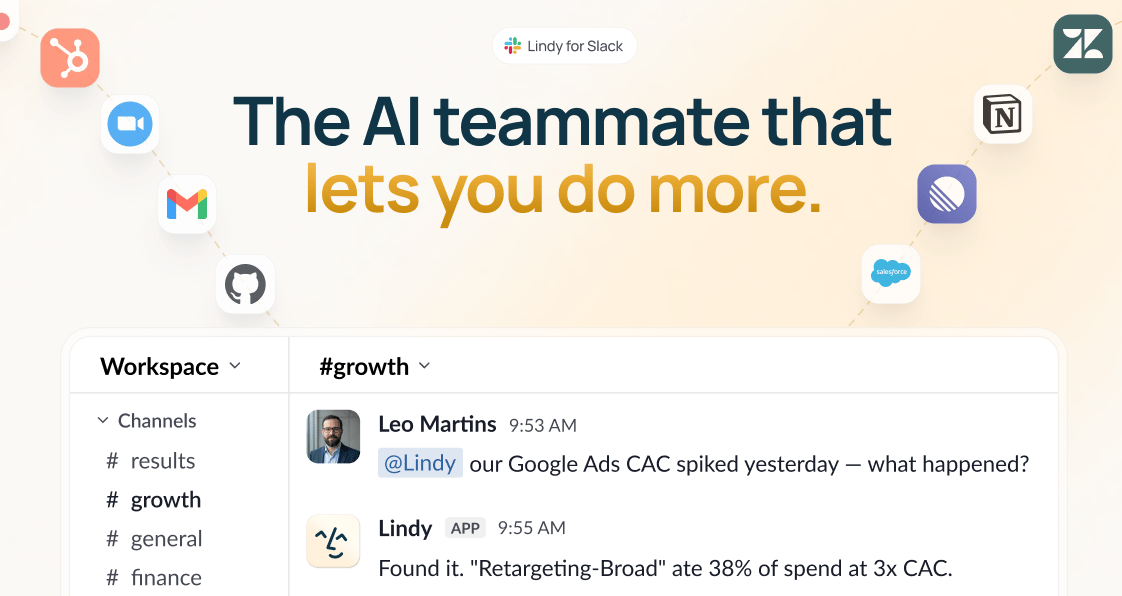
Lindy focuses on conversational AI assistants designed for personal productivity, email triage, meeting notes, and light task management inside Slack and Gmail.
- Best for: Executives, project managers, and team leads seeking quick natural-language task automation inside Slack.
- Pros: Rapid setup in under two minutes, intuitive pre-built assistant templates, native Slack integration, model-agnostic LLM selection.
- Cons: Credit pools cap heavy automated workloads, memory is scoped per individual assistant rather than across the business, and complex multi-step routines require frequent manual approval steps.
- Current pricing: Plus plan starts at $29.99 per user/month (3,000 credits), Pro plan is $99.99 per user/month (15,000 credits), Max plan is $199.99 per user/month (35,000 credits), and Enterprise offers custom terms with HIPAA compliance. Includes a 7-day free trial for Slack seats.
- When NOT to choose: Avoid Lindy if you require persistent AI workers with dedicated contact identities, native desktop GUI execution, or predictable monthly pricing without credit metering. For a detailed head-to-head breakdown, see our Spinnable vs. Lindy comparison.
2. Spinnable (Top Autonomous AI Employee Alternative)
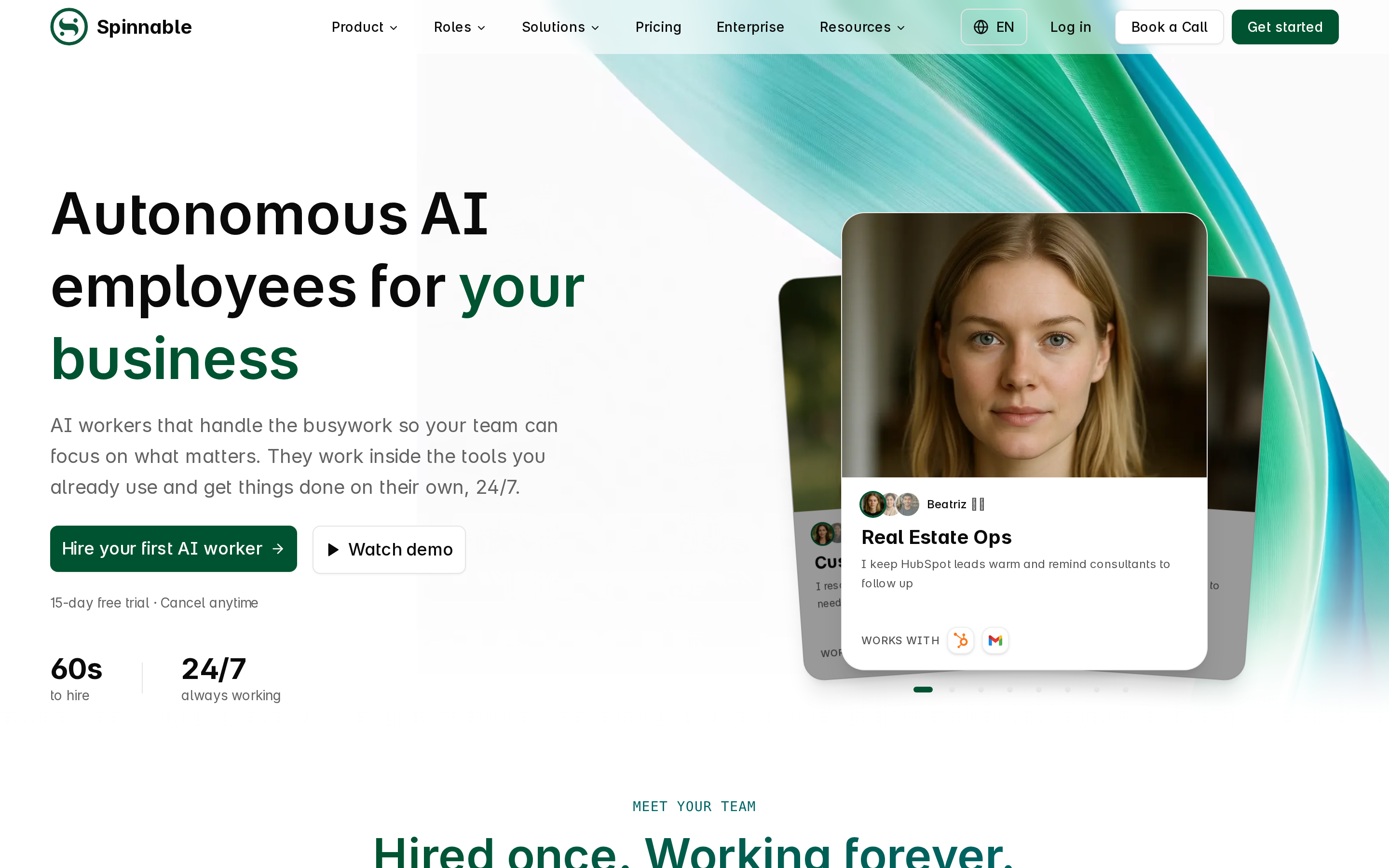
Spinnable replaces single-purpose chat bots with persistent autonomous AI employees that own entire business roles. Instead of waiting for manual prompts, Spinnable AI workers run routines 24/7, remember business context, and interact across communication channels. For a deeper dive into how persistent AI employees differ from single-prompt chatbots, read our guide on AI Workers vs AI Agents.
- Best for: Operations, sales, real estate, and customer support teams needing autonomous AI workers to manage end-to-end workflows.
- Pros: Persistent role-based execution, native desktop GUI and browser control, built-in human-in-the-loop approval queues, SOC 2 compliance, setup in under 60 seconds, and seamless operation across email, WhatsApp, Slack, and Microsoft Teams.
- Cons: Tailored for operational business processes rather than unstructured developer code sandboxes.
- Current pricing: Plans start at $50 per month with a 15-day free trial.
- When NOT to choose: Avoid Spinnable if you only need a temporary single-prompt chat box or code-first Python scripting environment.
Create your free Spinnable account or see pricing.
3. Relevance AI (B2B Multi-Agent Builder)
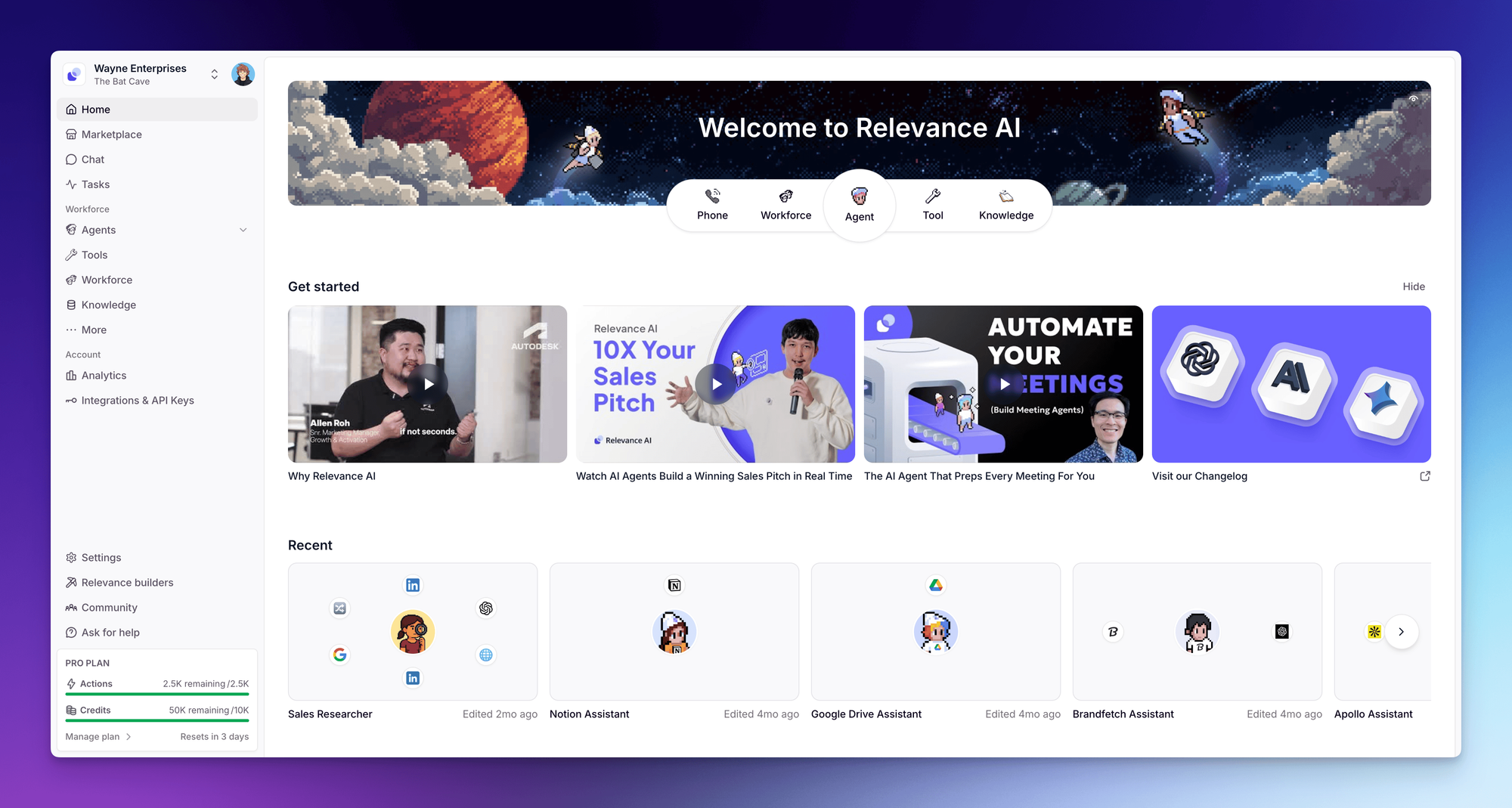
Relevance AI delivers a visual drag-and-drop agent canvas where teams construct, test, and deploy multi-agent workforces with custom tool assignments.
- Best for: B2B sales engineering, RevOps, and technical operations teams building structured multi-agent pipelines.
- Pros: Modular visual node builder, rich data enrichment integrations, custom vector knowledge bases, multi-agent delegation.
- Cons: Steeper initial setup curve compared to instant chat assistants, credit-consumption metering.
- Current pricing: Credit-based usage plans with free starter credits and scalable enterprise tiers.
- When NOT to choose: Avoid if non-technical business managers prefer an immediate out-of-the-box assistant without configuring visual logic nodes.
4. Zapier Central (Connector-Rich AI Bots)
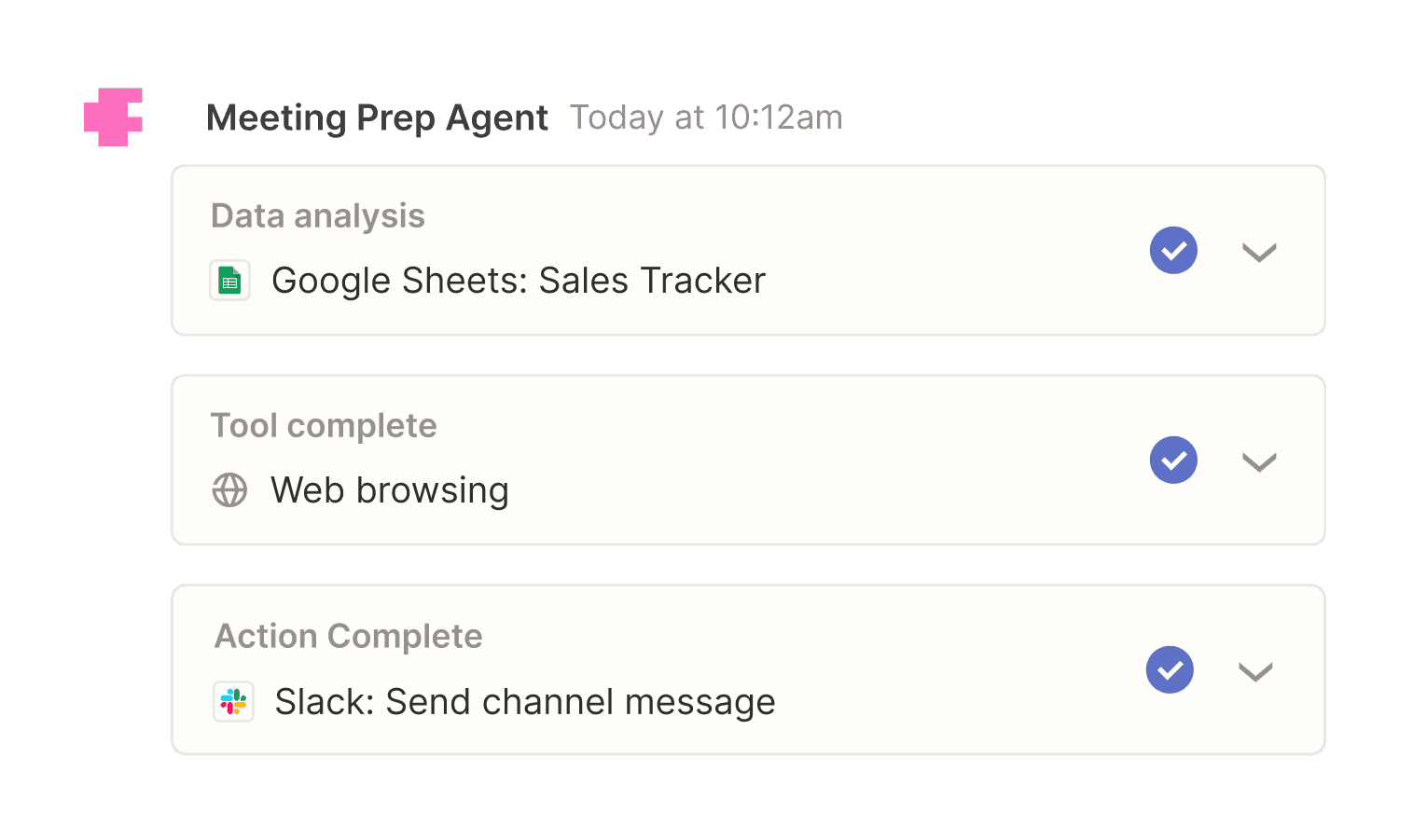
Zapier Central lets non-technical teams build conversational AI bots that connect to more than 7,000 SaaS applications in the Zapier automation network. If you are comparing workflow automation platforms, check out our breakdown of Spinnable vs Zapier.
- Best for: No-code operations teams seeking conversational interfaces connected across standard SaaS applications.
- Pros: Vast app integration ecosystem, fast bot creation, native synergy with existing Zapier zaps.
- Cons: High task volume pricing can escalate costs rapidly; lacks native desktop GUI computer-use automation.
- Current pricing: Ecosystem add-on plan tied to Zapier subscription tiers.
- When NOT to choose: Avoid if you require custom Python code sandboxes, local LLM execution, or persistent desktop GUI control.
5. Microsoft Copilot Studio (M365 Enterprise Standard)
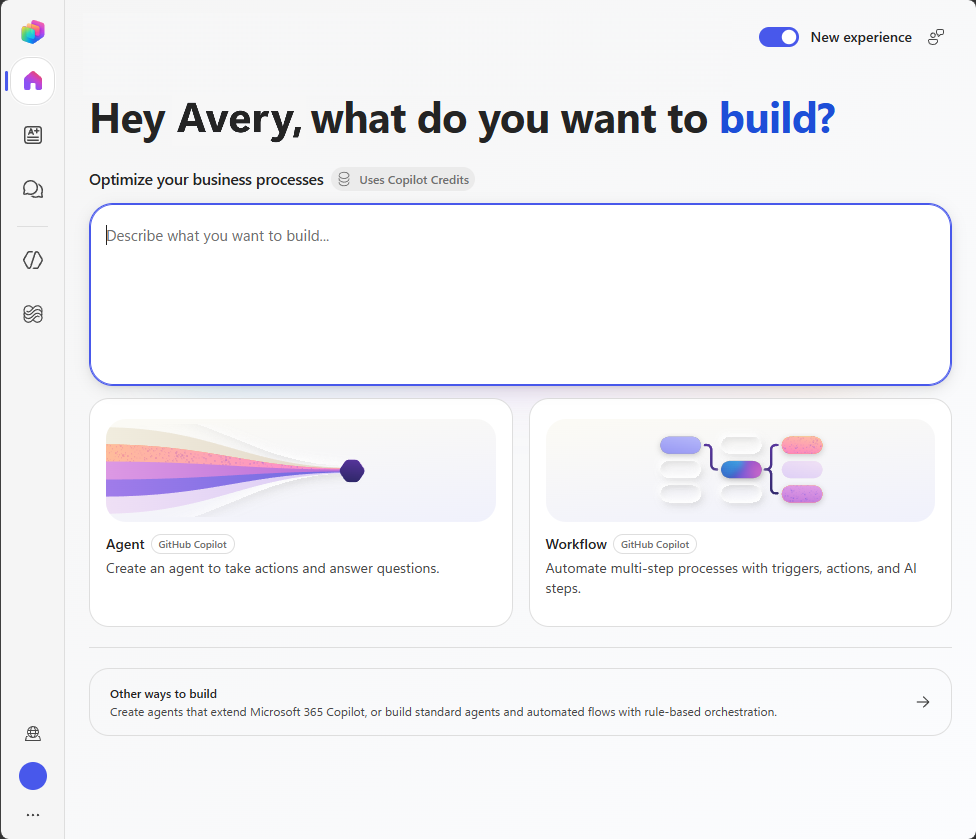
Microsoft Copilot Studio provides enterprise-grade copilot creation embedded inside Microsoft 365, Power Automate, and Azure environments.
- Best for: Large enterprise organizations heavily committed to Microsoft 365 and Power Platform infrastructure.
- Pros: Enterprise security compliance, Azure Active Directory access management, native Microsoft Teams integration.
- Cons: Complex enterprise licensing setup and slower deployment cycles for non-Microsoft software stacks.
- Current pricing: Tenant capacity and per-user subscription licensing.
- When NOT to choose: Avoid if your team operates on a non-Microsoft stack or demands rapid startup deployment.
6. Make (Visual Scenario Automation)
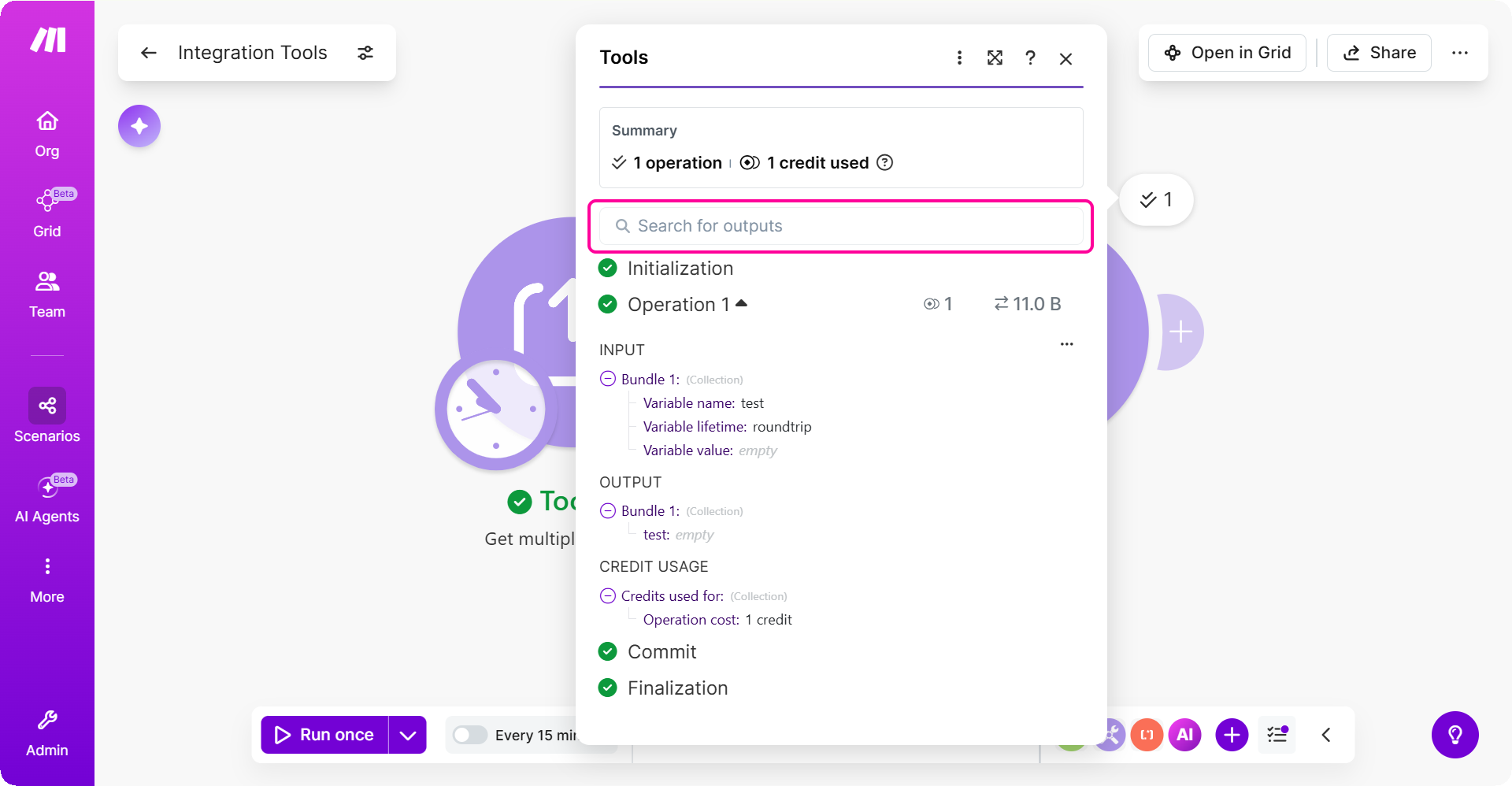
Make delivers a visual scenario builder that pairs deterministic trigger-action flows with embedded LLM data transformation modules.
- Best for: Automation engineers and systems integrators designing visual data processing pipelines.
- Pros: Granular visual control over JSON mapping, detailed error handling, high cost efficiency for bulk data processing.
- Cons: Requires manual logic design rather than autonomous conversational agent decision-making.
- Current pricing: Tiered operation-based plans starting with a free tier.
- When NOT to choose: Avoid if business users expect a conversational assistant interface without constructing flowchart scenarios.
7. CrewAI (Python Multi-Agent Framework)
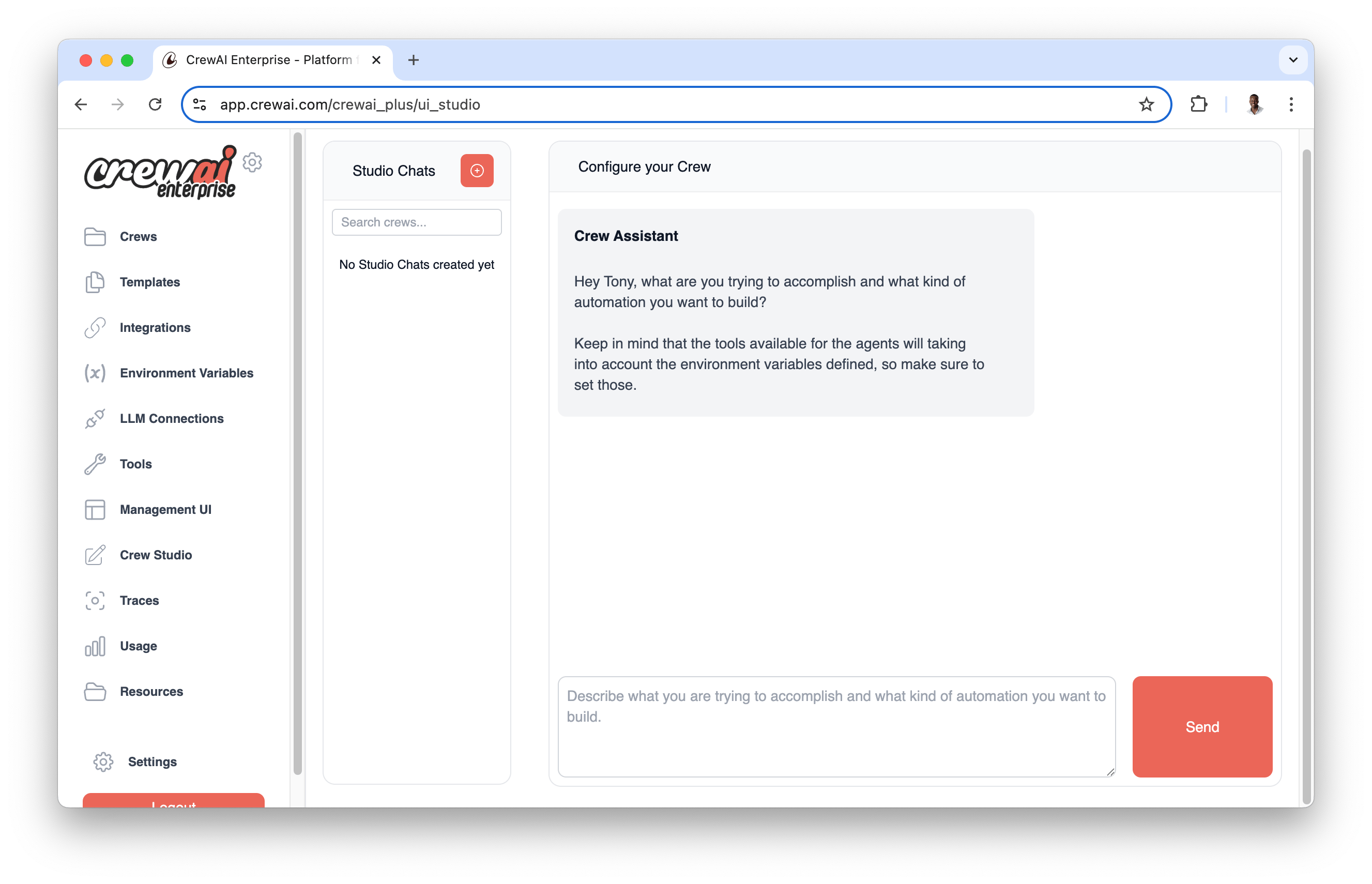
CrewAI offers software engineers an open-source Python framework and Enterprise Crew Studio UI to build, orchestrate, and monitor role-playing multi-agent systems.
- Best for: Python developers and engineering teams building code-native multi-agent systems.
- Pros: Open-source Python framework, Enterprise Crew Studio UI, granular control over agent roles, tools, and execution paths.
- Cons: Requires Python programming expertise to build and maintain custom tools.
- Current pricing: Open-source free tier alongside Enterprise SaaS and cloud hosting plans.
- When NOT to choose: Avoid if non-technical business managers want a ready-to-use SaaS assistant without writing code.
Migration and Decision Guide: Choosing the Right Platform
Transitioning from Lindy to another platform requires assessing team technical skills, task complexity, and channel requirements. Consider these practical migration pathways:
- Migrating for Autonomous Role Execution: If your team spends too much time triggering and monitoring Lindy assistants, move to Spinnable. Spinnable AI employees manage complete business roles across email, WhatsApp, Slack, and Microsoft Teams with persistent memory and human approval queues.
- Migrating for Multi-Agent Workflows: If you need custom multi-agent structures with vector knowledge bases, transition to Relevance AI for visual node building or CrewAI for Python code orchestration.
- Migrating for High-Volume SaaS Data Routing: If credit costs on conversational tasks become unsustainable, transition high-volume data routines to Make or Zapier Central.
Frequently asked questions
What is the main difference between Lindy and Spinnable?
Lindy is a conversational AI assistant builder focused on Slack DMs, meeting notes, and chat-triggered tasks. Spinnable provides persistent, autonomous AI employees that own entire business roles, execute desktop GUI and browser tasks, remember company context, and operate across email, WhatsApp, Slack, and Microsoft Teams starting at $50/month after a 15-day trial.
Why do teams seek alternatives to Lindy?
Teams often seek alternatives to Lindy when they hit credit pool limits, require persistent company-wide memory rather than agent-scoped memory, need native desktop GUI automation, or require built-in human approval queues for critical financial and CRM updates.
Which Lindy alternative is best for no-code SaaS workflows?
Zapier Central and Make are the leading choices for no-code SaaS workflows. Zapier Central connects conversational bots to over 7,000 apps, while Make provides visual scenario building for complex data transformations.
How do credit-based pricing models compare to flat subscriptions?
Credit-based models like Lindy and Relevance AI charge based on individual task executions, which can lead to variable monthly bills under heavy usage. Flat or seat-based subscriptions like Spinnable provide more predictable costs for high-volume operational teams. For complete details on enterprise budgeting for AI teammates, read our AI Worker Pricing guide.
Which platform supports developer-grade code customization?
CrewAI is the top choice for developer code customization, offering an open-source Python framework and Enterprise Crew Studio for orchestrating role-playing agent systems.
Build an AI workforce, not another single-purpose bot
Spinnable helps teams create and manage persistent AI workers for real business workflows, with the governance and flexibility to scale beyond one-off automations.